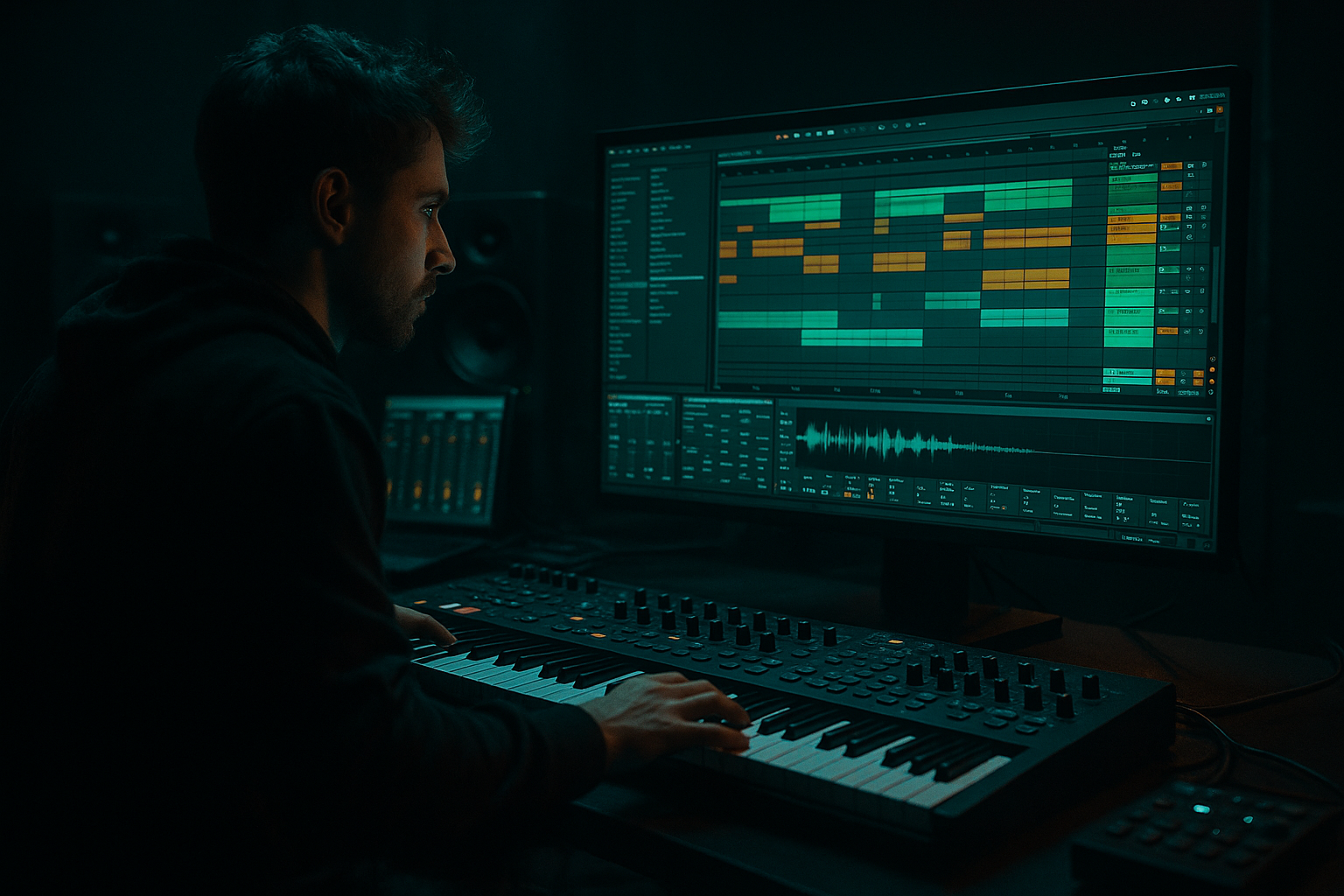
Main tutorial
Lesson Overview
The Amen Science formula is about turning a raw Amen break into a controlled, musical drum system that can sit properly against a bassline in a Drum & Bass track. In Ableton Live 12, that means using Sampler, Drum Rack, grouping, and balance moves to make the break feel alive, but still leave space for the sub, reese, or mid-bass.
This lesson sits right in the heart of DnB production: the drop groove, the roller pocket, and the call-and-response between break and bass. If your Amen is too loud, the bass disappears. If the break is too clean, it loses jungle character. If the layers fight, the whole tune feels flat. The goal here is to build a sampler rack that gives you weight, snap, groove, and mix control without killing the energy.
Why this matters: in DnB, the drum/bass relationship is everything. A strong Amen setup gives you:
- punchy transient detail
- controlled low-end from kick and sub hits
- space for bass automation
- a more flexible arrangement for fills, drops, and breakdowns
- faster decisions when writing full tracks
- a chopped Amen break loaded into a Drum Rack
- separate control over kick/snare/hat sections
- parallel processing for clean punch + grit
- a balance setup that lets the break sit under a sub-heavy DnB bassline
- macro-style control over weight, bite, room, and dirt
- a version that works for rollers, jungle edits, and darker halftime-influenced drop sections
- support a rolling 174 BPM bassline
- switch from open, spacious intro playing into a dense drop
- leave room for a reese answering the snare
- hold up during a 16-bar arrangement with fills and bass automation
- DJ-friendly intro texture
- to drop propulsion
- to variation/fill mode
- Making the Amen too loud in solo
- Leaving too much low-mid buildup
- Over-compressing the break
- Boosting sub on the drums
- Using too much stereo widening on drum layers
- Quantizing away the swing
- Ignoring arrangement balance
- Layer a muted room or grit chain behind the break
- Use subtle Drum Buss on the snare lane only
- Resample your balanced rack
- Automate grit on fills only
- Keep the sub simple while the break gets detailed
- Use call-and-response phrasing
- Do a mono check on the drum bus
- The Amen Science formula is about balancing the break inside a rack, not just chopping it.
- In DnB, the drum/bass relationship is everything: keep the low end separated and the groove alive.
- Use Drum Rack, Sampler/Simpler, EQ Eight, Saturator, Drum Buss, Glue Compressor, and Utility to control tone, weight, and movement.
- Build clean, body, and grime layers so the break can hit hard without losing clarity.
- Automate texture and intensity across the arrangement so the rack evolves through the drop.
- The best result is a break that feels alive, gritty, and mix-ready in a real DnB track.
We’re not just looping an Amen. We’re building a rack balance system that lets you shape the break like a modern DnB record: tight enough for club playback, dirty enough for jungle energy, and flexible enough for neuro or darker rollers.
What You Will Build
By the end of this lesson, you’ll have a balanced Amen sampler rack in Ableton Live 12 with:
Musically, this will give you a break that can do things like:
Think of it as a rack that can move from:
without rebuilding the drum sound from scratch.
Step-by-Step Walkthrough
1. Load and slice the Amen with intention
Start with a clean Amen break audio clip in Ableton Live. Put it on an audio track and warp it if needed so it sits at your project tempo, usually around 172–176 BPM for classic DnB, though 170–174 is also common for darker rollers.
Right-click the clip and choose Slice to New MIDI Track. For the slicing preset, use:
- Transient for a more performance-friendly chop layout
- or 1/8 if you want a more deliberate, grid-based edit style
For this lesson, Transient is usually the better choice because it keeps the original drum phrasing alive. Then, inside the Drum Rack, you’ll have individual slices you can rearrange.
Why this works in DnB: the Amen’s power comes from its micro-timing and ghost-note energy. Slicing by transient preserves that movement, while still letting you rebalance the groove for modern mix clarity.
2. Organize the rack into functional lanes
In the Drum Rack, identify the main parts of the Amen:
- kick
- snare
- ghost snare/ghost kick
- hats and shuffles
- any ride or rim detail
Rename pads so you’re not guessing later. A practical layout:
- C1 = main kick
- D1 = main snare
- E1/F1 = ghost hits
- G1/H1 = hats/shuffles
Then create a simple internal structure:
- Kick lane
- Snare lane
- Break texture lane
- FX/air lane
You can do this by grouping pads using Rack chains or by routing slices to different processing chains if you want more control. For intermediate workflow, keep it practical: separate the key elements you’ll balance most often, not every single tiny hit.
The goal is not complexity for its own sake. The goal is control over balance.
3. Shape the core hits with Simpler or Sampler controls
For the main kick and snare slices, open the devices and tighten the playback:
- shorten Decay or sample length if the hit is too long
- use Start offset to trim ugly leading silence
- enable Filter in Sampler if the slice needs top-end smoothing
Useful starting points:
- Kick slice: keep it punchy, with a short tail; trim low rumble if the sample has extra boom
- Snare slice: preserve transient, but stop the tail from masking bass notes
If you use Sampler instead of Simpler for selected slices, you can get more control over:
- Filter cutoff: try around 8–14 kHz for overly bright hats, or lower if the break is harsh
- Envelope/amp shaping: slightly faster decay for tighter rollers
- Velocity sensitivity: useful if you want ghost hits to feel softer
This is where the “science” part starts. The rack is not just about chopping—it’s about making each piece respond to the rest of the tune.
4. Build the balance with three parallel character layers
Create three return-style processing lanes or group chains inside the Drum Rack:
- Clean lane: minimal processing, just for the dry break
- Body lane: EQ + light saturation
- Grime lane: distortion/parallel compression for attitude
Stock Ableton devices to use:
- EQ Eight
- Saturator
- Drum Buss
- Glue Compressor
- Auto Filter
Suggested starting settings:
- EQ Eight on the body lane: high-pass around 35–50 Hz to keep sub space open; cut a little around 250–400 Hz if the break gets boxy
- Saturator: Drive around 2–5 dB, Soft Clip on if needed
- Drum Buss: Drive low to moderate, Boom used carefully, usually small amounts rather than huge boost
- Glue Compressor on the grime lane: ratio 2:1 or 4:1, fast-ish attack, release on auto or medium
Blend the three lanes until the break feels solid but not oversized. The clean lane preserves the original tone, the body lane gives density, and the grime lane adds aggression.
Why this works in DnB: the genre lives on contrast. The clean lane keeps the drums legible on big systems, while the saturated layers add the “club weight” and edge that make a drop feel expensive.
5. Create low-end separation for the bassline
This is the most important balance move in the lesson. In DnB, your Amen and your bassline must not fight for the same space.
Use EQ Eight on the break bus:
- high-pass gently around 30–45 Hz if the break has unnecessary sub rumble
- reduce muddiness around 180–300 Hz if the kick/snare body overlaps the bass
- if the snare is harsh, make a narrow cut around 2.5–5 kHz
Then shape your bassline:
- keep the sub mono
- use a separate mid-bass layer for movement and character
- let the bass duck slightly under key drum hits if needed
Ableton tools that help:
- Utility for mono low-end checks
- EQ Eight for carving
- Compressor or Glue Compressor for subtle sidechain-style movement
- Auto Pan with phase off if you want controlled movement in the mids only
Practical balance idea:
- Let the Amen snare hit clearly at around -6 to -8 dBFS peak in the drum bus
- Keep the sub strong but not dominating the master
- If the bassline disappears when the break enters, don’t just turn the bass up—first carve the drum low mids
A clean low-end pocket is what makes the drop feel powerful instead of messy.
6. Add groove control with swing, ghost notes, and timing nudges
The Amen feels right when it breathes. Use the Groove Pool in Live 12 to add a subtle swing or extract groove from a break variation.
Start with:
- small groove amount, around 10–25%
- keep kick hits more stable
- allow ghost notes and hats to move slightly more
For human feel, manually nudge:
- ghost snare hits slightly late
- a hat hit a few milliseconds ahead for urgency
- occasional kick placement to create push in a 2-bar phrase
Don’t overdo quantization. A fully rigid Amen often sounds sterile. In DnB, especially jungle and rollers, the groove comes from the relationship between stable anchor hits and looser in-between motion.
Arrangement example: in a 16-bar drop, keep bars 1–4 fairly clear, then add extra ghosting or a reversed slice in bars 5–8, then strip back a little in bars 9–12 so the second half feels like it lifts.
7. Automate texture, not just volume
A great sampler rack changes over time. Use automation to make the Amen evolve across the arrangement.
Good automation targets:
- Drum Buss Drive for intensity into the drop
- Auto Filter cutoff for intro filtering or breakdown tension
- Saturator Drive for a more aggressive second drop
- Dry/Wet of parallel dirt lane for build-ups
- Reverb send on selected snare hits for transition moments
Practical moves:
- In the intro, low-pass the break around 6–10 kHz for atmosphere
- Open it fully at the drop
- Push more grit in the second 8 bars
- Pull the grime lane down before a breakdown so the next section lands harder
This keeps the break from feeling static. In darker DnB, evolution is often more effective than adding more elements.
8. Check the rack in context with the bass and arrangement
Now test the rack against a real DnB arrangement:
- 16-bar intro
- 32-bar drop
- 8-bar switch-up
- breakdown with filtered drums
- second drop with extra energy
Put a simple bassline under it:
- a sub note on the root
- a reese or mid-bass answering the snare
- occasional silence before the snare to create impact
Listen for:
- does the kick hit through the bass?
- do the snare transients speak on small speakers?
- does the break still feel alive when the bass is heavy?
- are the hats too bright when the drop gets dense?
Use Utility to mono-check the low end and a spectrum view if needed. If your Amen feels huge solo but weak with bass, that’s usually a balance problem, not a sound-design problem.
Final goal: the break should be energetic enough to drive the tune, but controlled enough that the bass remains the main weight carrier.
Common Mistakes
- Fix: judge the break in context with bass, not solo. A great DnB drum bus often sounds smaller alone than expected.
- Fix: cut gently around 200–400 Hz on the break bus if the mix feels cloudy.
- Fix: keep transients alive. Too much compression kills the snap that helps the snare cut through a wall of bass.
- Fix: let the sub live in the bass layer. The break needs punch, not unnecessary low-end competition.
- Fix: keep kick/snare mostly centered. Wide hats are fine, but the core drum weight should stay disciplined.
- Fix: preserve ghost-note timing and micro-variation. That unevenness is part of the Amen identity.
- Fix: the rack should behave differently across intro, drop, and switch-up sections. Automate it.
Pro Tips for Darker / Heavier DnB
- Use Reverb with short decay and low mix, then high-pass it hard. This gives eerie space without muddying the drop.
- A little drive can make the snare feel more forward and aggressive, especially in neuro-leaning rollers.
- Once the balance feels right, resample 4 or 8 bars and chop that new audio. This often gives a more unified, “finished record” tone.
- Push distortion into the last hit before a drop, then pull it back. That contrast makes the drop heavier.
- Darker DnB often hits hardest when the bassline is stable and the break carries most of the motion.
- Let the Amen fill the gaps between bass phrases. If the bass answers the snare, the groove feels intentional and menacing.
- Especially if you’ve added stereo ambience. If the groove collapses in mono, tighten the rack before moving on.
Mini Practice Exercise
Spend 10–20 minutes building a mini loop:
1. Load one Amen break and slice it to a Drum Rack.
2. Make a 2-bar pattern with:
- one main kick
- one main snare
- 2–4 ghost hits
- 2 hat shuffles
3. Add a bass layer with:
- a mono sub
- a mid-bass/reese answering the snare
4. Put EQ Eight and Saturator on the drum bus.
5. Make three versions:
- dry
- lightly saturated
- darker and grittier
6. Automate one element over 8 bars:
- filter cutoff
- drive
- or parallel grime amount
7. Compare them and choose the version that feels most effective with the bass, not the one that sounds biggest solo.
Goal: finish with a loop that sounds like the start of a real drop, not just a drum sample demo.

