Main tutorial
1. Lesson Overview
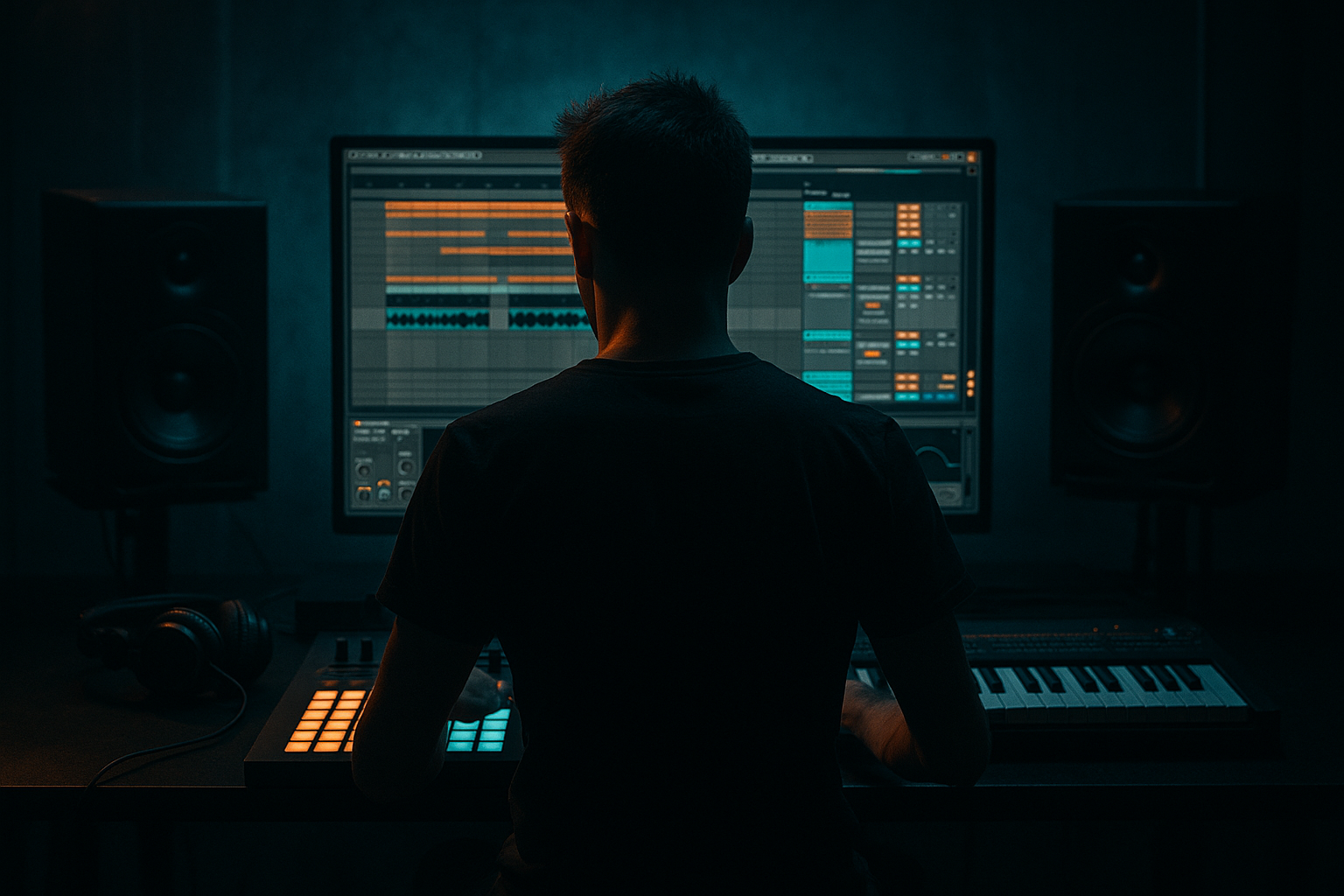
This advanced Automation lesson shows you how to design and arrange "Amen Science a think-break switchup: design and arrange in Ableton Live 12" — a tight Drum & Bass switchup that takes an Amen-style break, turns it into a cerebral, glitchy "think" break, and then switches back into full energy using only stock Ableton Live 12 devices and automation. You’ll learn to create multiple processed variants of the Amen loop inside an Audio Effect Rack, automate Chain Selector and device parameters for surgical switchups, and use clip envelopes + Beat Repeat/Grain Delay automation to craft micro edits and pitch shunts that read as a musical switch rather than a random stutter.
2. What You Will Build
One playable Amen-style loop with 3–4 processed variants routed through an Audio Effect Rack, automated to create a 2–4 bar think-break switchup at a chosen arrangement point (recommended tempo 170–175 BPM), including macro-controlled crossfades, dynamic Beat Repeat stutters, pitch drops, and granulation — all arranged and automated in Arrangement view so the switchup performs reliably in context.
3. Step-by-Step Walkthrough
Preparation (global settings)
- Set your project tempo to ~174 BPM (typical DnB).
- Import your Amen break audio (stereo WAV). Name the clip "Amen_Base".
- Warp the loop using Beats mode, set to 1 bar loop, ensure transient preservation (70–80% preserve transients if warping options apply), and align the loop to bar grid (so automation timing is sample-accurate).
- Over-automating Chain Selector without managing tails: switching chains instantly can cut reverb/delay tails. Always manage tails with short fades, Auto Filter or chain volume automation.
- Relying only on Beat Repeat defaults: default Chance/Interval can produce chaotic results. Map grid and interval to macros and automate them precisely.
- Pitching low frequencies badly: moving the entire loop down (Grain Delay pitch -12) can cause sub-frequencies to clash with the kick. Use Multiband Dynamics or an EQ cut on the chain before pitching.
- Forgetting timing context: micro-automation (1–5 ms) needs careful listening. Too much offset and the groove collapses.
- Automating too many parameters at once without naming macros: you’ll lose control. Group related automations to mapped macros so edits remain musical and reproducible.
- Use Chain Selector snapping: while drawing automation, right-click the macro envelope and set Breakpoints (or use grid snapping) so your chain locks exactly on measure boundaries when you need them to.
- Pre-map the exact Chain Selector numbers for quick recall: record static automation points to set the exact chain numbers you want and copy/paste them.
- Use clip envelope Transpose for dramatic single-hit pitch drops — it is sample-accurate and avoids phase artifacts an audio effect might introduce.
- Duplicate the Amen track and process alternatives (resample to audio) for layering — sometimes two processed versions blended at different stereo widths sound richer than a single chain switch.
- Keep a “safety” clean chain (Chain 1) as your reference—automating back to this quickly avoids losing the core groove if a glitch becomes too noisy.
- Bounce different switchup iterations (A/B) to new clips; audition them in arrangement to pick the best. You’ll often find the simplest automation wins.
- Use beat-accurate automation quantized to 1/128 for microstutter rhythms; fine-tune with small nudge offsets by ear.
- Loading and warping an Amen loop,
- Building multiple processing chains inside an Audio Effect Rack,
- Mapping Chain Selector and key device parameters to macros,
- Using Arrangement-view automation (macro envelopes + clip envelopes) to execute precise switchups,
- Employing Beat Repeat, Grain Delay, clip Transpose and EQ automation to craft stutters, pitched halves and transition tails,
- And placing the switchup cleanly within the arrangement, attending to tails, low-end integrity, and musical timing.
Step A — Create the effect chains (Audio Effect Rack method)
1. Place an Audio Track containing the warped Amen loop. Duplicate the track (optional for safety), then work on one track.
2. Create an Audio Effect Rack on the Amen track (right-click chain title area → Create Audio Effect Rack if needed).
3. Inside the Audio Effect Rack create 4 chains (click the Show/Hide Chains button):
- Chain 1: "Dry/Glue" — devices: Saturator (Subtle Drive), EQ Eight (gentle low cut ~40Hz, slight boost 2–6k if desired), Compressor or Glue Compressor for punch.
- Chain 2: "Think-Chop" — devices: Beat Repeat → EQ Eight → Auto Filter (lowpass with resonance) → Saturator.
- Chain 3: "HalfPitch" — devices: Grain Delay → EQ Eight → Multiband Dynamics. Use Grain Delay to create time-stretch/pitch-feedback textures.
- Chain 4: "Micro-Stutter" — devices: Beat Repeat (a different instance with different defaults), Redux (bit crushing for grit), Auto Pan (very small rate for stereo interest).
4. Set each chain’s Chain Volume so they’re equal by default (for preview). Optionally add small unique FX in each chain (e.g., slight Delay on Chain 3, small reverb on Chain 1).
Map chain selection and macros
5. Show the Rack macro (Map). Map the Rack’s Chain Selector to Macro 1:
- Click the little Map button in the Chain List header, click the Chain Selector ruler, then map to Macro 1. Rename Macro 1 "Chain→".
- Map one or two device parameters you’ll animate directly too: for example, Beat Repeat’s Grid and Interval (map to Macro 2 and Macro 3), Grain Delay’s Pitch (Macro 4), and Auto Filter Frequency (Macro 5). Keep mapping minimal and purposeful.
6. Set the Chain Selector zones so each chain occupies a distinct slice of the Chain Selector range (e.g., Chain 1 = 0–24, Chain 2 = 25–49, Chain 3 = 50–74, Chain 4 = 75–127). Use the small yellow handles under the chain list to set ranges.
Step B — Design the variant settings (sound design inside each chain)
7. Chain 1 (Dry/Glue): Keep it natural. Glue Compressor attack ~10ms, release ~0.3s. Saturator Drive 2–4dB. EQ: remove sub rumble below 40Hz; slight 3–4k presence boost.
8. Chain 2 (Think-Chop): Beat Repeat default — set Interval = 1/16, Grid = 1/16, Gate ~1/32 for chopped hits, Chance 50% to make it interesting. Auto Filter lowpass starting ~6k with LFO off. Use EQ to cut low mids ~200–400Hz for a thinner “thinking” texture.
9. Chain 3 (HalfPitch): Grain Delay: Delay time ~10–30ms, Spray ~20–40, Grain Size ~9–15ms, Pitch -12 to -7 semitones (for half-time/pitched appearance). Add Multiband Dynamics to keep low-end tight while allowing grain tails in mid/hi.
10. Chain 4 (Micro-Stutter): Beat Repeat with Grid 1/32 or 1/64, Interval 1/8 or 1/16 (to give short bursts), Variation high (6–8). Redux at 6–10% to add digital grit.
Step C — Automate switchup timing in Arrangement view
11. Move to Arrangement view. Locate the moment where you want the switchup (e.g., bar 33 if typical 32-bar phrase) and create a 2–4 bar section for the switchup.
12. Show automation lanes for the Amen track. Display the Audio Effect Rack macro you mapped to Macro 1 ("Chain→"). Draw automation to:
- Move Macro 1 from Chain 1 to Chain 2 on the downbeat of the switch (fast envelope if you want an instantaneous cut), hold Chain 2 for 1.5 bars, then jump to Chain 3 for a pitched half-time 0.5–1 bar, and finally return to Chain 1 (or directly to full-energy drum bus) on the release bar.
13. Use stepped or curved automation points depending on the effect: for instant cuts use linear with little smoothing; for morphing sweeps ramp Auto Filter frequency and Beat Repeat grid concurrently for a hybrid effect.
14. Simultaneously automate device-specific macros:
- Map Beat Repeat.Grid to Macro 2 and automate Macro 2 to reduce Grid from 1/16 to 1/32 during stutter hits for more frantic feel.
- Automate Grain Delay Pitch (Macro 4) to slide from 0 to -12 semitones over 0.5 bars to create a downward flick.
- Automate Auto Filter Frequency to slowly open as the switchup resolves (e.g., from 1.2k to 12k across 1 bar).
15. Use audio clip envelopes for micro edits:
- Double-click the Amen clip, open Envelopes, choose Sample > Transpose and/or Sample Start. Draw very short pitch drops (transpose -6 to -12 semitones) on accented beats or tiny sample start jumps (5–30ms jumps) to create "thinking" micro glitch clicks that line up with the Beat Repeat hits. These are powerful because they operate per audio clip independent of the Rack chains.
16. Add complementary automation for context:
- Automate a Utility device’s Gain to duck the Amen slightly when the kick/synth hits return, avoiding masking.
- Automate Stereo Width (Utility) — narrow the loop during the switchup and open it back on the drop to emphasize the transition.
Step D — Micro timing, groove and humanization
17. For a 'think' feeling, automate small timing nudges: Draw slight offset automation on the Chain Selector so micro-beats start 1–2ms late or early relative to the grid for a humanized glitch. Use tiny automation curves rather than step jumps for these micro-timings.
18. Use automation lanes to create micro-silences: Automate Clip Gain to -inf for 1/64 or 1/32 notes to create intentional gaps in the Amen loop inside the switchup.
Step E — Final polish and arrangement placement
19. Create automation for return: Make sure the return to the full groove is not abrupt — automate a short overlap where Chain 1 fades in (use Chain Volume or Rack Dry/Wet) while Chain 3/4 tails are muted or filtered out using Auto Filter sweep and EQ automation.
20. Test in context: Play the full arrangement from 8–16 bars before the switchup and listen. Tweak Beat Repeat Chance and Gate automation to ensure the stutters hit musically; adjust Grain Delay pitch curve to land neatly with the sub kick (avoid conflicting low pitches).
21. Freeze/Flatten (optional): If CPU is taxed, bounce the processed switchup region by freezing and flattening a duplicate track to resample the exact result, then slice and place it back for further micro-editing.
4. Common Mistakes
5. Pro Tips
6. Mini Practice Exercise
Goal: Build a 2-bar Amen Science a think-break switchup and place it at bar 33.
Steps:
1. Import a 2-bar Amen loop, warp it to 174 BPM.
2. Add an Audio Effect Rack with two chains: Dry and Think-Chop (Beat Repeat + Auto Filter).
3. Map Chain Selector to Macro 1 and Beat Repeat Grid to Macro 2.
4. In Arrangement view, at bar 33 automate Macro 1 to jump from Dry to Think-Chop on the downbeat, hold for 1.5 bars, then jump back.
5. Automate Macro 2 so Beat Repeat Grid tightens from 1/16 to 1/32 during the first half of the switchup and then returns.
6. Add a rapid clip Transpose envelope: -12 semitones on the final 1/8 note of the switchup.
7. Listen back with the drums and adjust timing so the switchup hits on the phrase boundary.
Time yourself: aim to complete this exercise in 20–30 minutes. Export the 8-bar loop around the switchup and compare it to the dry version — iterate until the switchup feels intentional and musical.
7. Recap
You’ve created "Amen Science a think-break switchup: design and arrange in Ableton Live 12" by:
Use these techniques to create repeatable, editable switchups that feel deliberate and musical rather than chaotic — then iterate by resampling and layering until the think-break becomes a signature moment in your Drum & Bass arrangement.

